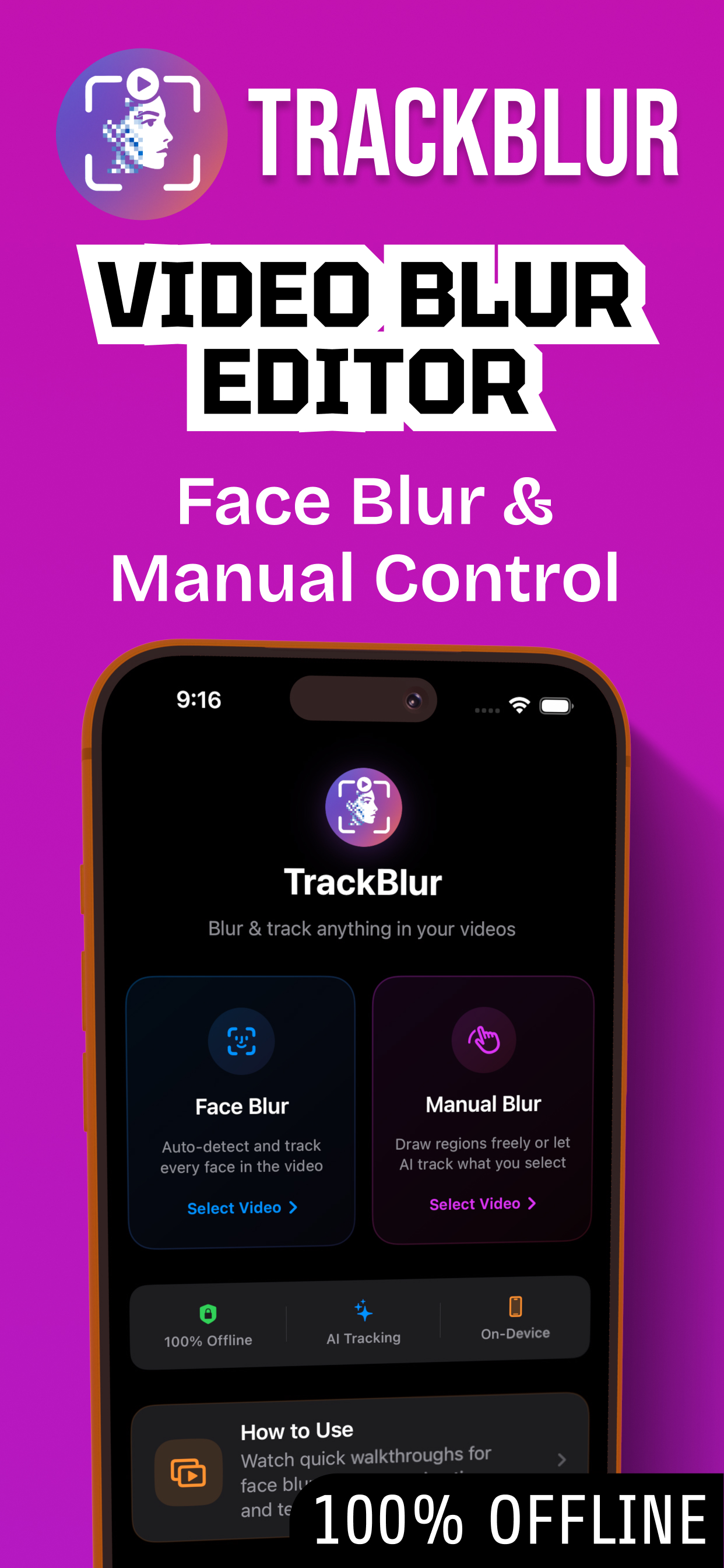
Blur video. Privately.
TrackBlur uses on-device AI to detect faces automatically — plus custom blur regions that follow anything you draw around. Pixelate, mosaic or cover. Your clips never leave your phone.
Every kind of thing you'd want to hide. Or highlight.
Pick a video and choose your engine — detect faces automatically, track custom moving targets, or keyframe manual paths. These three timeline engines power all of TrackBlur’s tools, from privacy blurs to moving labels, stickers, and depth overlays.
AI Face Detection
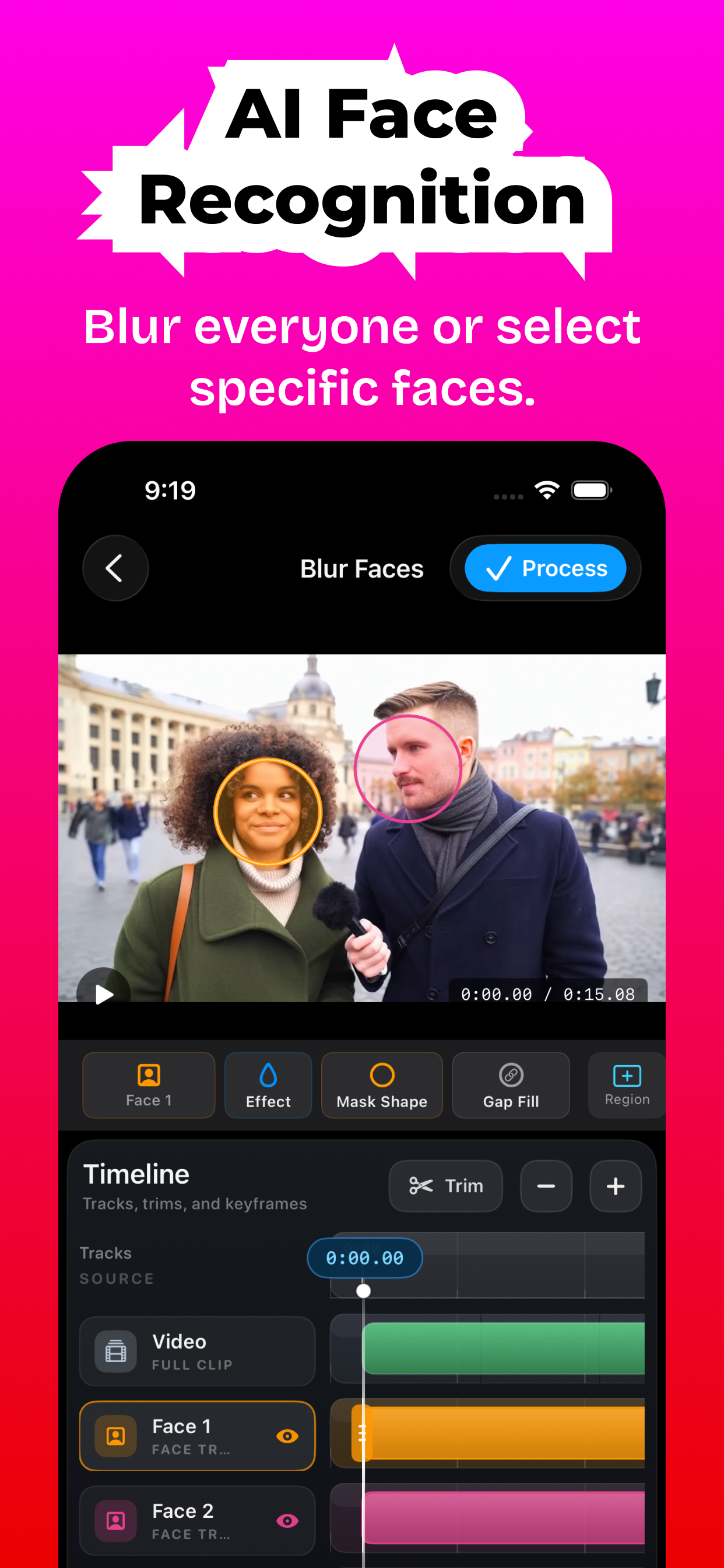
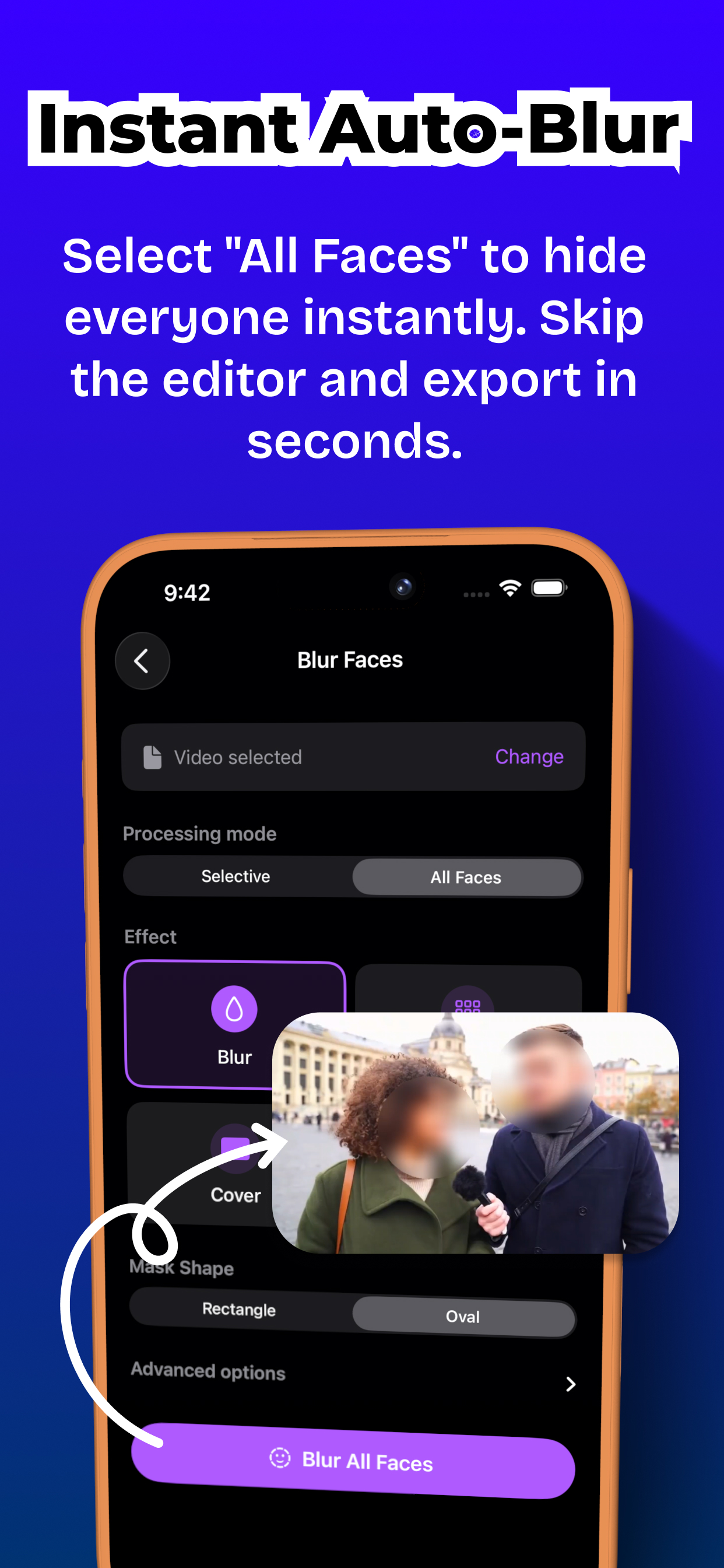
On-device AI finds and tracks every face automatically. One-tap auto-blur all faces, or selectively pick specific people to blur while keeping yourself sharp.
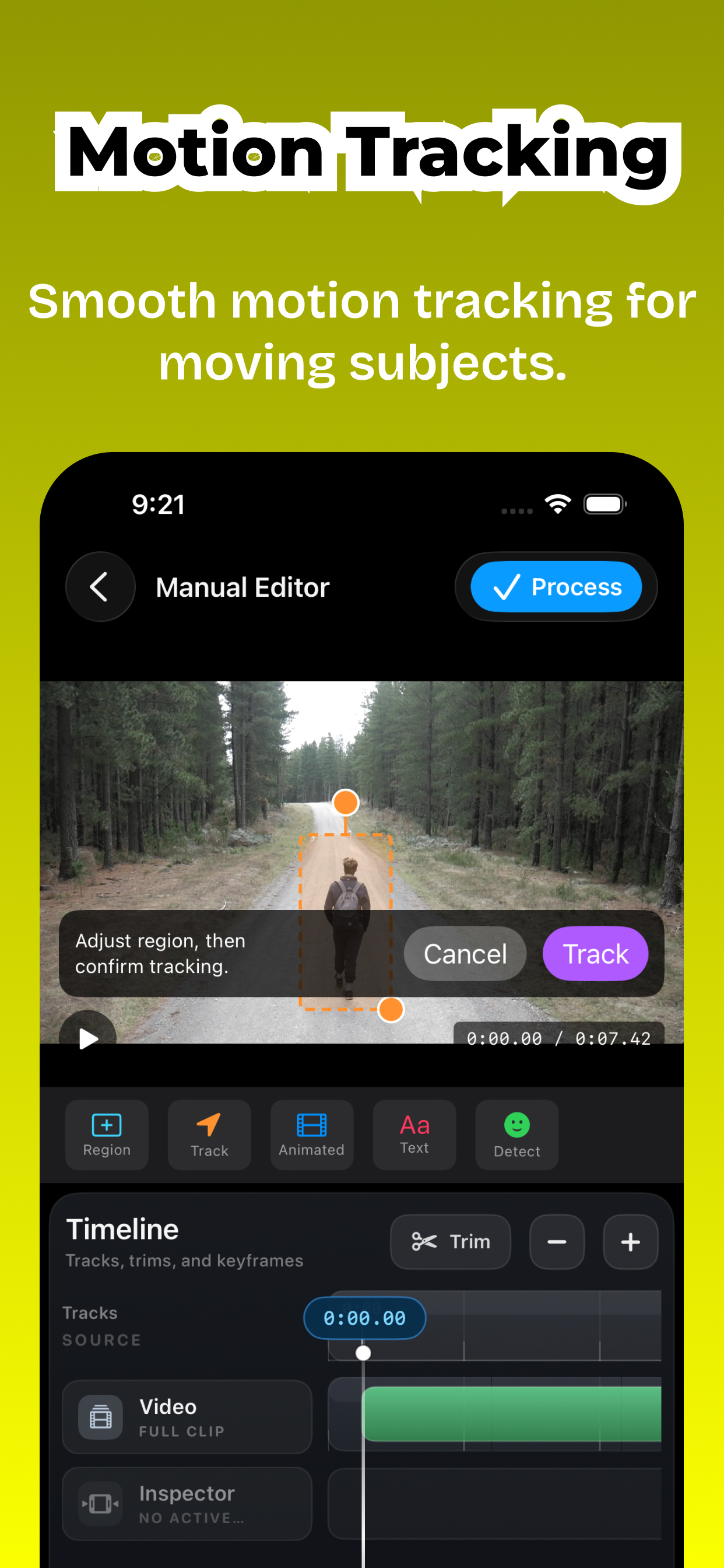
Motion Tracking
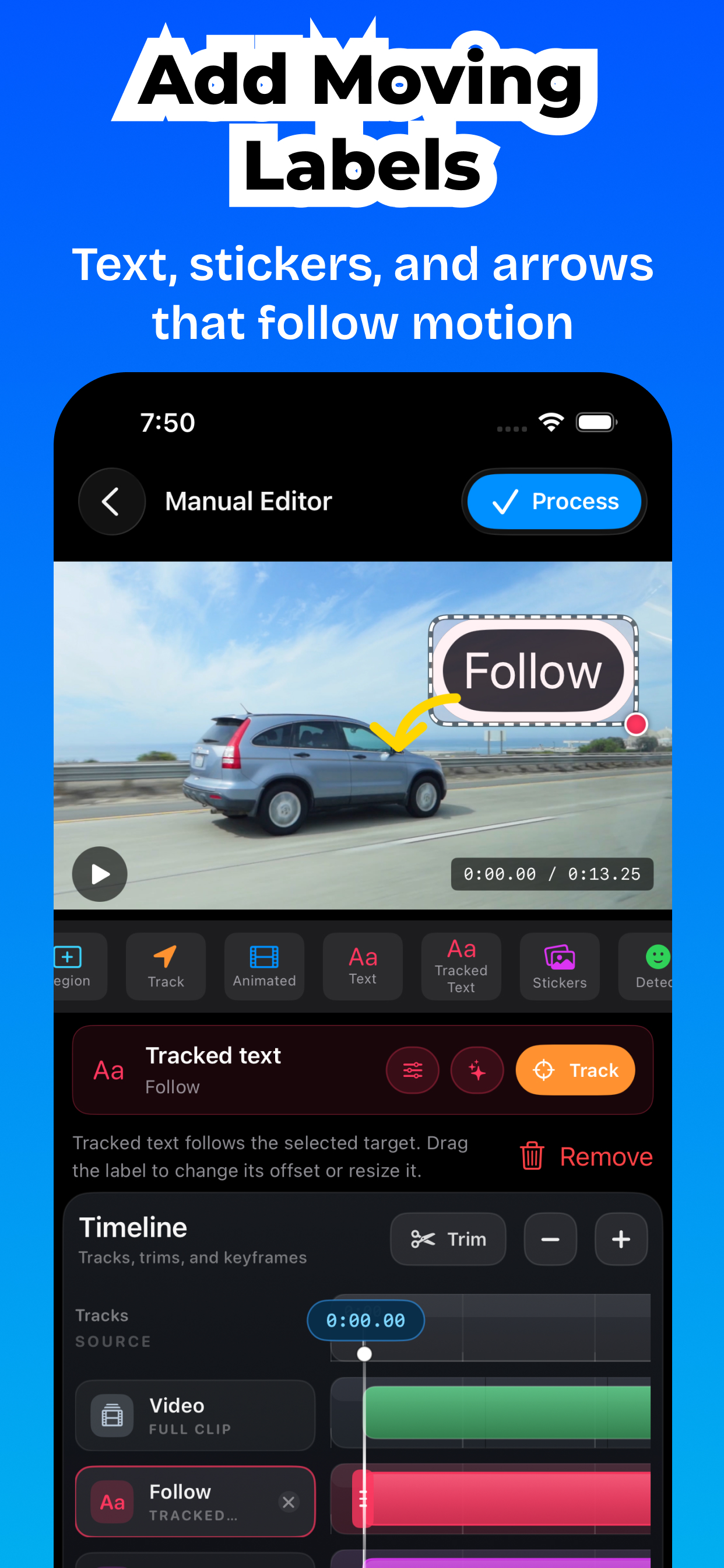
Lock custom blurs, text labels, or photo stickers onto moving targets. The engine tracks the subject automatically through the frame — no manual keyframes needed.
Keyframe Animation
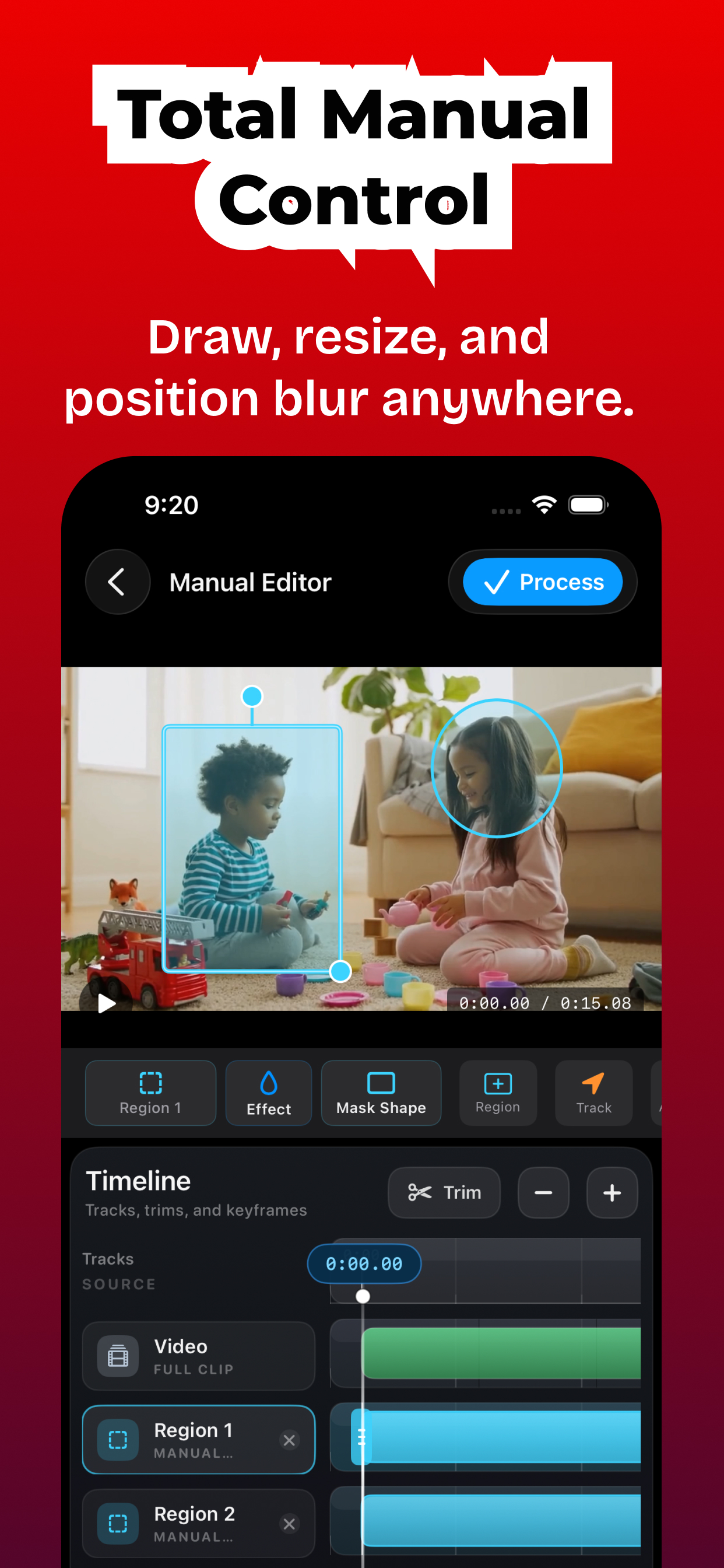
Add keyframes along the timeline to animate blurs, text, or shapes with frame-level precision. Smoothly transition opacity, scale, and blur intensity.
Real blur that moves with your subject.
Every clip below was rendered fully on-device. No upload, no server watermark — just the result.
Auto face blur — all faces in video
Automatically blur every detected face in the full video. One-tap auto face blur — no manual selection needed.
How-to guide →Blur faces in video — selective
Select only the face tracks you want to blur. Keep yourself sharp, blur everyone else in the clip.
How-to guide →Blur moving face — motion tracking
Motion tracking blur keeps your custom region attached to its target as it moves through the frame — no keyframes needed.
How-to guide →Animated blur region
Draw a custom video blur region, then add keyframes along the timeline — the region smoothly animates between them.
How-to guide →Text overlays
Draw a text box on the video, customize font, color and outline — then keyframe it to animate with the scene.
How-to guide →Tracked Text — labels that follow motion
Attach a text label to a moving person, logo or object. The label follows automatically — no keyframing needed.
How-to guide →Stickers & Photos
Add arrows, markers, shapes, or photos on top of your video. Track stickers to follow moving targets.
How-to guide →Text & Stickers Behind Subject
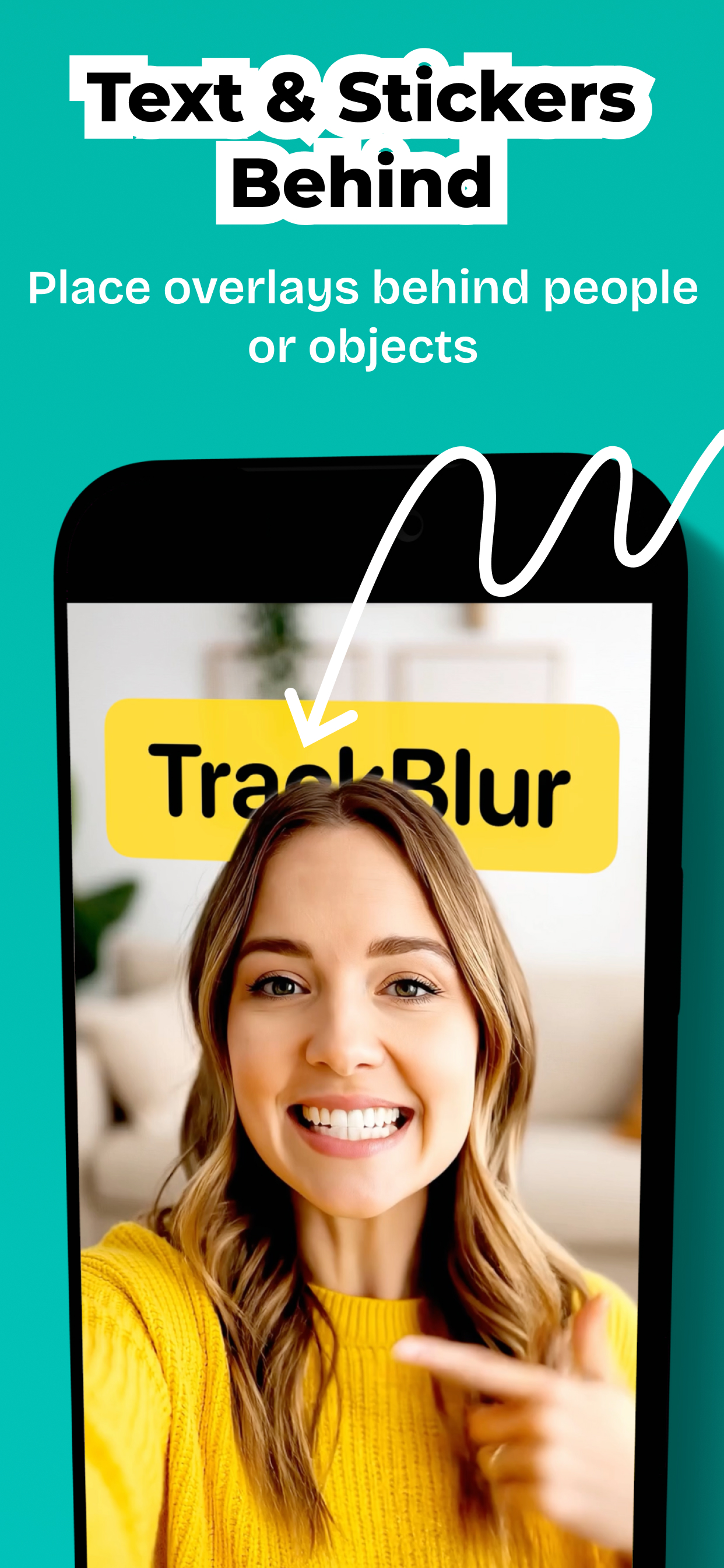
Create a depth effect by placing text, stickers or photos behind people or foreground subjects.
How-to guide →Audio Censor
Mute a sensitive range, replace speech with a censor beep, or lower volume while keeping the rest of the original audio intact.
How-to guide →Auto Subtitles
Automatically generate subtitles and captions from spoken words on your device. High-precision offline transcription.
How-to guide →Censor Words
Automatically detect and censor specific spoken words in subtitles and audio using local AI. Mute or beep matched words.
How-to guide →A video blur editor in your pocket.
Timeline editing, auto face blur, motion tracking, custom regions and pixelate / mosaic effects — all on-device.
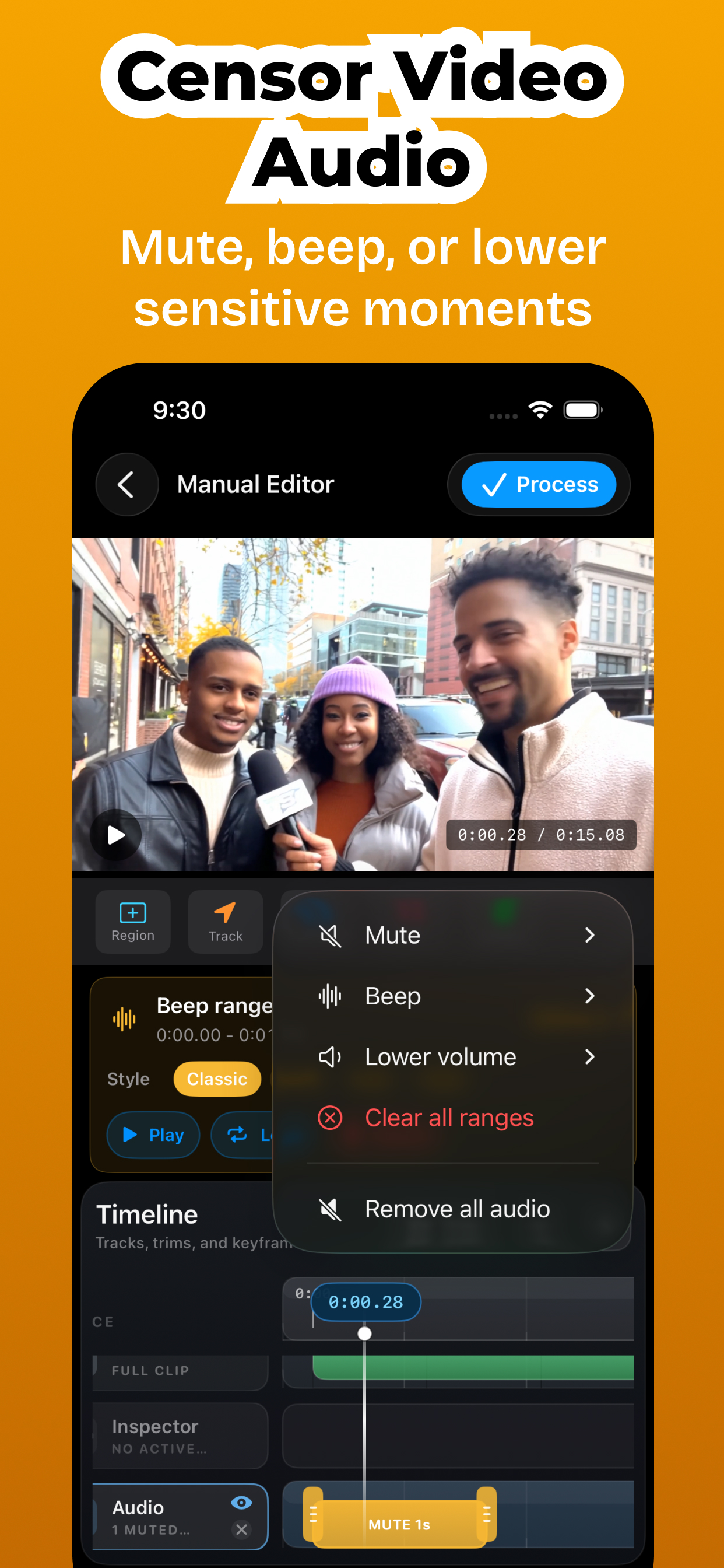
A video editor built for precision, not posting.
Timeline video editor
Multi-track editing, frame-by-frame scrubbing, trimming and zoom — precise control over every blur region.
Blur · Pixelate · Mosaic · Cover
Four blur effects — pixelate face video, mosaic, solid cover or soft blur — assignable per track with adjustable intensity.
On-device face detection
Neural face detection blur runs locally on iPhone and Android — no server, no cloud upload.
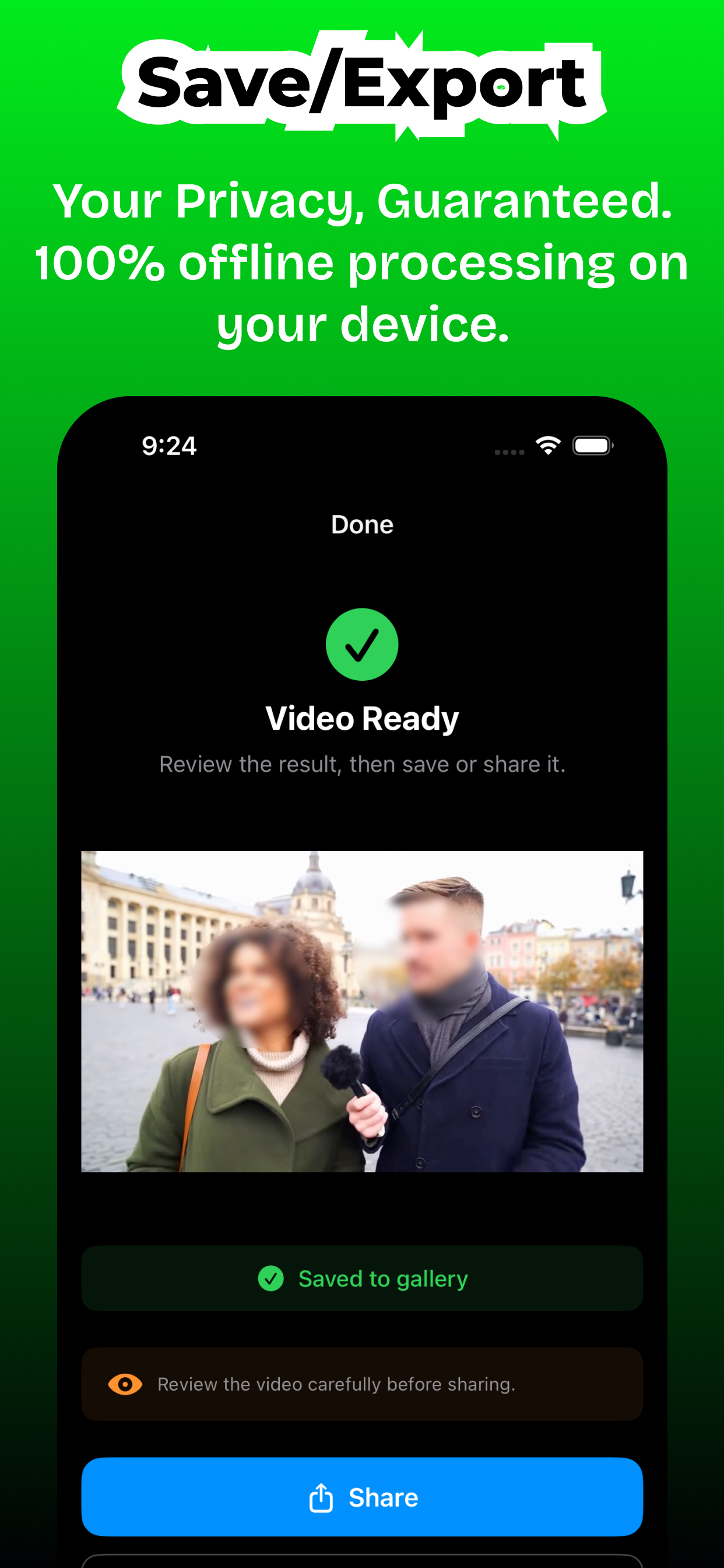
Your videos never leave your device.
No account. No cloud. No analytics on your files. Face detection, motion tracking, and rendering all happen locally — the way a privacy video blur tool should work.
Blur anything.
Share anywhere.
Free to try on iPhone and Android. Go Premium to unlock every tool and remove export limits — one-time payment available on both platforms.